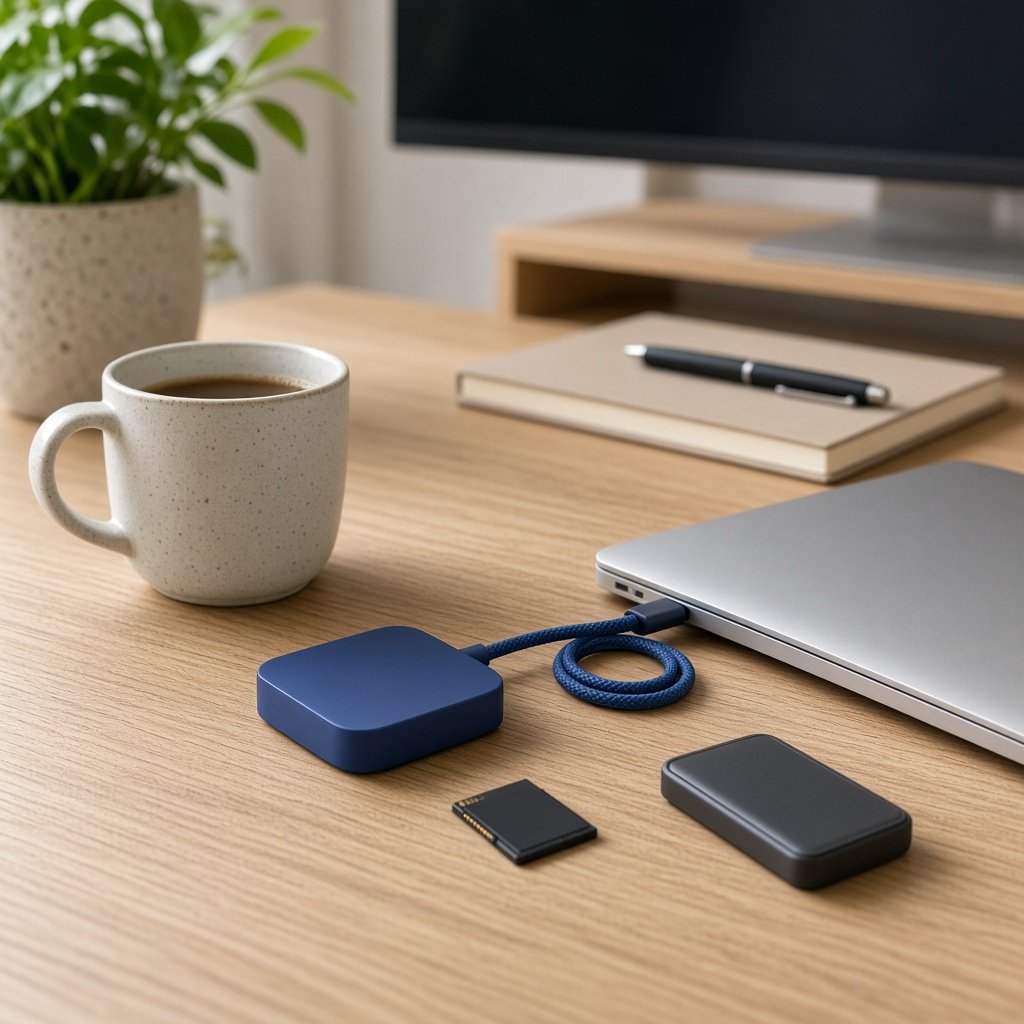
The Satechi OntheGo 5-in-1 USB-C Hub turns one USB-C port into 4K/60Hz HDMI, 60W pass-through charging, USB-A and USB-C data and an SD card reader. The compact puck has a built-in braided cable and magnetic base, and Popular Mechanics named it the best travel adapter of 2026.
Description
The Satechi OntheGo 5-in-1 USB-C Hub turns a single USB-C port into five useful connections, so a slim laptop can drive a monitor, charge, read SD cards and connect drives from one small puck. Popular Mechanics named it the best travel adapter in its 2026 roundup of travel accessories, calling out how it lets you skip carrying a pile of separate dongles through airport security.
What the Satechi OntheGo 5-in-1 USB-C Hub Adds to Your Setup
Satechi designed this hub around the MacBook Neo and its one full-function USB-C port, but its compatibility list also covers recent MacBook Air and MacBook Pro models, iPads, iPhones with USB-C and a range of USB-C Windows laptops. The braided host cable is built in, and the whole puck measures about 2.6 inches square and weighs 2.19 ounces.
The Five Connections
- HDMI output up to 4K at 60Hz for one external display
- USB-C Power Delivery port with up to 60W pass-through charging
- USB-C data port at up to 5Gbps
- USB-A data port at up to 5Gbps
- UHS-I SD card reader at up to 104MB/s
A magnetic base snaps onto a MagSafe iPhone for quick photo offloads, and two included 3M adhesive rings let you mount it on the back of a laptop lid. It comes in Silver, Indigo, Citrus and Blush.
Who It’s For
- Remote workers who plug into a monitor at home and work unplugged elsewhere
- Travelers who present on hotel TVs or conference room projectors
- Photographers and creators who pull files from SD cards
- New MacBook Neo owners who need more ports
Pros and Cons
Pros
- Named the best travel adapter by Popular Mechanics
- Charging, display, data and SD card access all from one port
- Tiny, light and color-matched with a built-in cable
- Magnetic base plus adhesive rings for tidy mounting
Cons
- Supports only one external display
- No Ethernet port for wired internet
- Pass-through charging tops out at 60W, and no charger is included
Buying Tip
Check Satechi’s compatibility list for your exact laptop before ordering; Windows machines need a USB-C port with display output for the HDMI port to work. On a MacBook Neo, plug the hub into the top USB-C port. Since the magnetic base won’t grip an aluminum lid on its own, apply one of the included adhesive rings first if you want it to stay mounted.