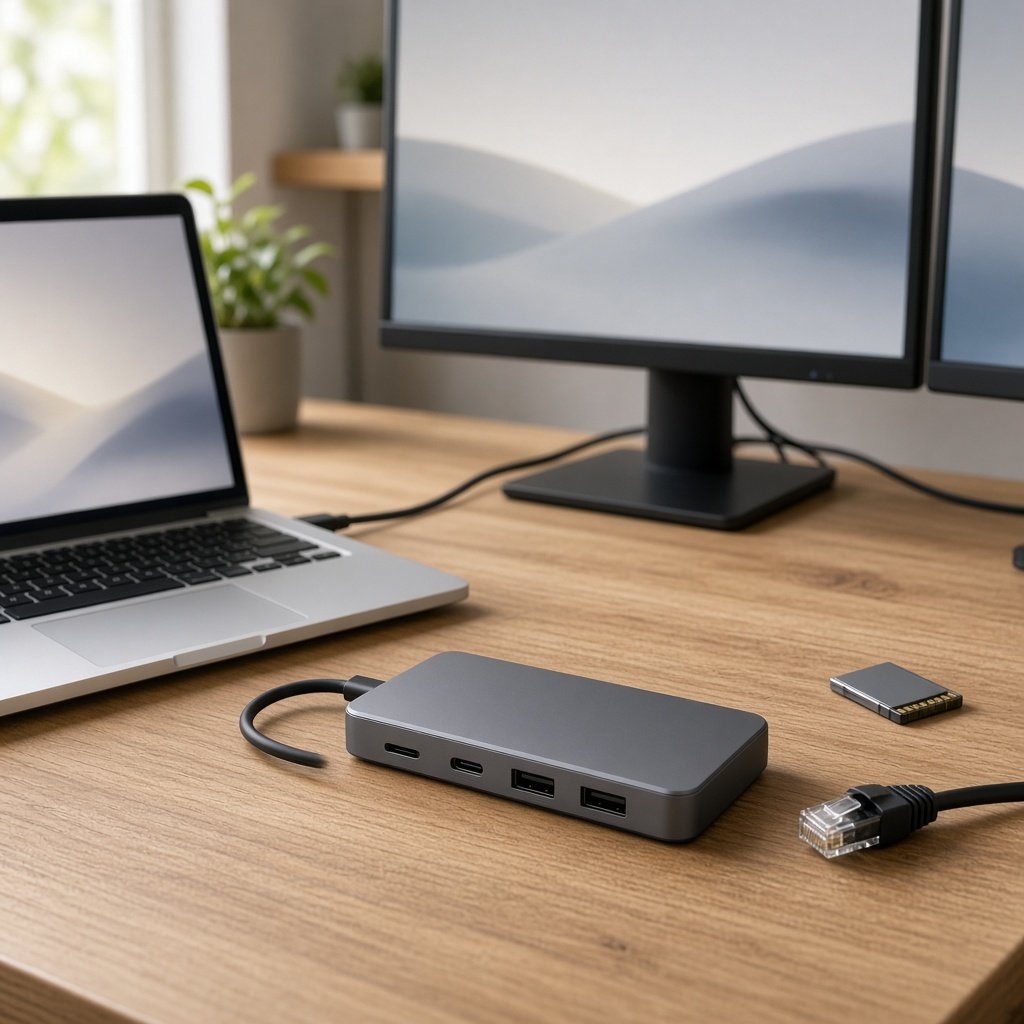
Anker’s 8-in-1 USB-C dock adds two HDMI outputs, Ethernet, two USB-A ports, SD/microSD readers and 85W pass-through charging. Ideal for Windows dual-monitor setups; Macs only mirror two screens and a charger is not included. Works with USB4 and Thunderbolt laptops too.
Description
The Anker USB-C docking station with dual HDMI gives a thin laptop a full desk setup from a single cable: two monitors, wired internet, USB accessories, card slots and charging. Whether it suits you depends heavily on your operating system.
What sets the Anker 8-in-1 dock apart
It has two HDMI outputs, an Ethernet port, two USB-A data ports, SD and microSD readers and a USB-C power-delivery input that passes up to 85W to the laptop. One display can run at 4K 60Hz; with two displays, both run at 4K 30Hz. You need your own 100W USB-C charger and cable, as none is included.
The Anker 8-in-1 dock trade-offs
Why the Anker 8-in-1 dock appeals
- Eight ports from one connection
- Two HDMI outputs
- Wired Ethernet and 85W pass-through
Where the Anker 8-in-1 dock compromises
- Mac mirrors only on dual HDMI
- Charger sold separately
Getting value from the Anker 8-in-1 dock
Hybrid workers can leave monitors, keyboard and network cable plugged in at home and connect everything with one plug. Photographers can pull files off an SD card without hunting for a reader.
On macOS, the two HDMI outputs mirror the same image rather than extending, and Linux is not supported. On Windows laptops with DisplayPort Alt Mode, extended dual monitors work as expected.
Should you pick the Anker 8-in-1 dock?
Great for Windows laptop users wanting two screens and more
- Windows laptop users wanting two screens
- Hybrid workers with a home desk
- Creators who use SD cards
Who the Anker 8-in-1 dock is not for
- Mac users wanting two separate extended displays
- Linux users
Pre-purchase check: Mac mirrors only on dual HDMI
Confirm your laptop’s USB-C port supports DisplayPort Alt Mode and Power Delivery. Budget for a charger if you do not already own a 100W one, and decide whether 30Hz on two screens is acceptable for your work.
Final word on the Anker 8-in-1 dock
Excellent for Windows dual-monitor desks; Mac owners should look at DisplayLink docks instead.