
As an Amazon Associate I earn from qualifying purchases.
A good beginner YouTube setup is your phone plus three add-ons: a microphone, a light and a tripod. Buy them in that order, because viewers forgive average video far sooner than bad audio. You can start for well under the cost of a new camera and upgrade only once your channel is growing.
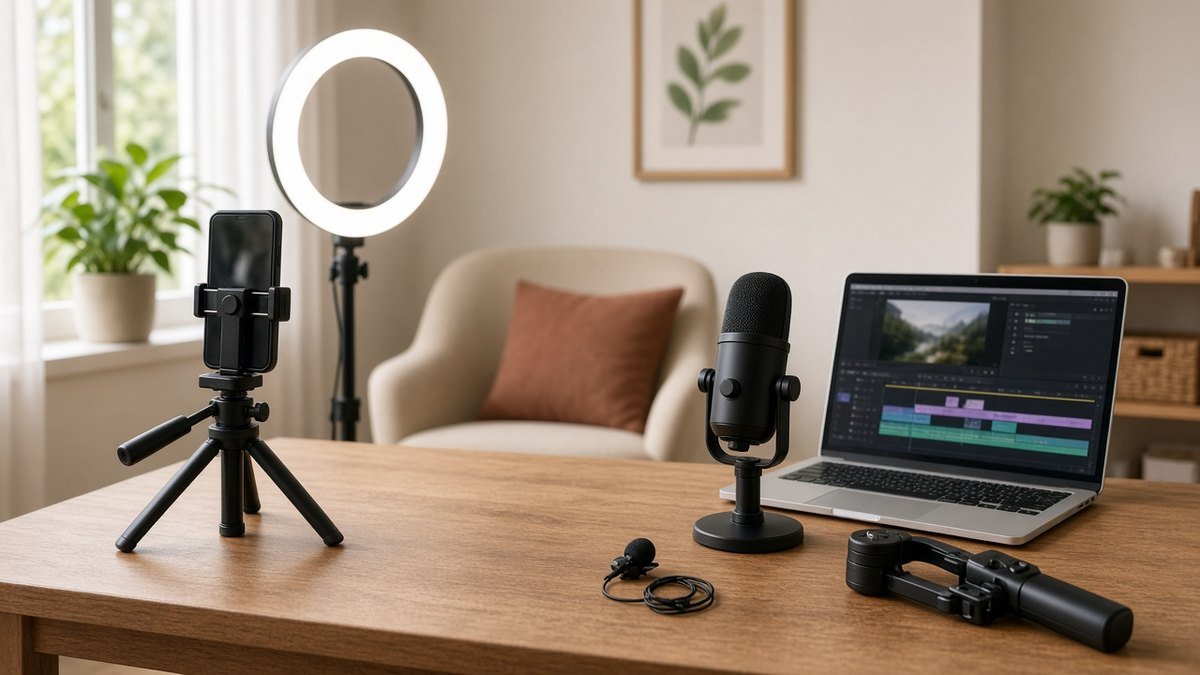
Below are ten picks for phone, desk and vlog creators, each matched to the problem it solves, with links to check today’s price on Amazon.
Quick Picks: Beginner YouTube Setup Gear at a Glance
| Product | Best for | Problem it fixes | Amazon |
|---|---|---|---|
| Mini Mic Pro Wireless Lavalier Microphone | Best first mic for phone creators | Echoey, distant phone audio | Check Price |
| Logitech Blue Yeti USB Microphone | Best USB mic for desk videos and podcasts | Thin laptop-mic sound | Check Price |
| SENSYNE 62-Inch Phone Tripod with Remote | Best phone tripod for full-body shots | Shaky, badly framed shots | Check Price |
| 50-Inch Selfie Stick Tripod with Remote | Best budget tripod that doubles as a selfie stick | Filming alone on the go | Check Price |
| Sensyne Ring Light with 50-Inch Stand | Best budget ring light with stand | Dark rooms and night filming | Check Price |
| NEEWER 18-Inch Ring Light Kit | Best bigger ring light kit | Uneven light on face and products | Check Price |
| Clip-On Video Conference Lighting Kit | Best light for desk and webcam videos | Shadowy face at your desk | Check Price |
| Logitech Brio 101 1080p Webcam | Best simple webcam for streams and tutorials | Grainy built-in laptop camera | Check Price |
| DJI Osmo Mobile 6 Phone Gimbal | Best gimbal for walking vlogs | Bouncy handheld phone video | Check Price |
| DJI Osmo Action 4 Essential Combo | Best camera for outdoor and travel vlogs | Phone too fragile for action | Check Price |
Our Top Picks at a Glance
Mini Mic Pro Wireless Lavalier Microphone
Logitech Blue Yeti USB Microphone
SENSYNE 62-Inch Phone Tripod with Remote
As an Amazon Associate I earn from qualifying purchases. Prices and availability change often; check Amazon for today’s price.
What You Actually Need to Start a YouTube Channel
Ask new creators on Reddit’s r/NewTubers and r/SmallYTChannel what to buy, and the advice is surprisingly consistent: don’t buy a camera first. A modern smartphone shoots sharp enough video for a new channel. What it can’t fix is sound recorded from across the room, a face lit by one overhead bulb, or a frame that wobbles.
So a beginner kit covers four jobs:
- Camera: the phone you already own, or a webcam for desk videos.
- Audio: a clip-on wireless mic for phone videos, or a USB mic for voiceovers and desk recording.
- Light: a window during the day, plus a ring light or clip-on light for evenings.
- Support: a tripod so the shot stays steady and framed the same way every time.
Free editors such as CapCut or DaVinci Resolve cover editing, so you don’t need to budget for software on day one.
What to Buy First for a Beginner YouTube Setup
- A microphone. It makes the biggest difference per dollar. Pick a wireless lavalier for phone filming or a USB mic for desk work.
- A tripod. Steady framing instantly looks more professional, and it frees your hands.
- A light. If you can film facing a window during the day, this can wait. If you film at night, buy it second.
- Extras later: a gimbal, webcam or action camera once you know what kind of videos you’ll keep making.
1. Mini Mic Pro Wireless Lavalier Microphone: Best first mic for phone creators
If you film on your phone, the Mini Mic Pro Wireless Lavalier Microphone is the easiest audio upgrade. It’s a small wireless microphone that clips to your shirt and connects to your phone, so your voice is recorded close to your mouth instead of from a few feet away.
The listing describes it as working with iPhone and Android, with noise cancelling for clearer voice in videos, interviews and vlogs.
- Pros: clearer, closer voice than the phone’s built-in mic; small and discreet; quick setup
- Cons: needs charging; wireless range has limits; check you get the right receiver plug for your phone
Best for: talking-head videos, vlogs, Shorts and interviews shot on a phone.
2. Logitech Blue Yeti USB Microphone: Best USB mic for desk videos and podcasts
For voiceovers, tutorials, gaming videos or a podcast-style channel, a USB mic on your desk is easier than a clip-on. The Logitech Blue Yeti USB Microphone is one of the best-known options. It plugs straight into a PC or Mac with no audio interface.
According to the listing, it offers four pickup patterns and Blue VO!CE voice effects. For solo videos, use the cardioid pattern, which focuses on sound in front of the mic.
- Pros: plug-and-play over USB; flexible pickup patterns; a long-standing creator favorite
- Cons: large and heavy on a small desk; a sensitive condenser mic picks up room echo and keyboard noise
Tip: speak close to the mic, from about a hand’s width away, and soften the room with a rug, curtains or a bookshelf to cut echo.
3. SENSYNE 62-Inch Phone Tripod with Remote: Best phone tripod for full-body shots
The SENSYNE 62-Inch Phone Tripod with Remote is a phone tripod that extends to 62 inches, tall enough for standing shots, cooking videos and full-body framing. It doubles as a selfie stick and comes with a wireless remote, so you can start and stop recording without walking back to the phone.
- Pros: tall enough to film at eye level when standing; remote included; works as a selfie stick too
- Cons: less stable at full height, especially outdoors; the remote may need new batteries over time
Tip: set the phone at eye level or slightly above. Shooting from below is the most common beginner framing mistake.
4. 50-Inch Selfie Stick Tripod with Remote: Best budget tripod that doubles as a selfie stick
The 50-Inch Selfie Stick Tripod with Remote is a smaller, lighter take on the same idea. It extends to 50 inches, includes a remote and phone holder, and folds down small enough for a backpack.
- Pros: packs small for travel and day trips; two tools in one; good for tabletop and seated shots
- Cons: not as tall as the 62-inch model; lighter legs can wobble in wind
Best for: solo creators who film on the go as well as at home. Make sure the clamp fits your phone with its case on.
5. Sensyne Ring Light with 50-Inch Stand: Best budget ring light with stand
The Sensyne Ring Light with 50-Inch Stand combines an LED ring light with a 50-inch phone stand, so it covers lighting and support in one purchase. The listing lists three color modes, ten brightness levels and a remote.
- Pros: light and stand in one; warm, neutral and cool modes to match your room; a hugely popular budget choice
- Cons: takes floor space; ring reflections can show in glasses
Tip: put the light just above eye level and slightly to one side if you wear glasses, which reduces glare.
6. NEEWER 18-Inch Ring Light Kit: Best bigger ring light kit
If you film products, makeup, hair or crafts, the bigger NEEWER 18-Inch Ring Light Kit gives you more light to work with. The listing describes an 18-inch, 55W LED ring light at 5600K (daylight-balanced), with a stand, phone holder, soft tube and carrying bag.
- Pros: more powerful, even light than small ring lights; complete kit; daylight color mixes well with a window
- Cons: large to store and travel with; measure your room before buying
Best for: beauty, unboxing and product review channels where light quality matters most.
7. Clip-On Video Conference Lighting Kit: Best light for desk and webcam videos
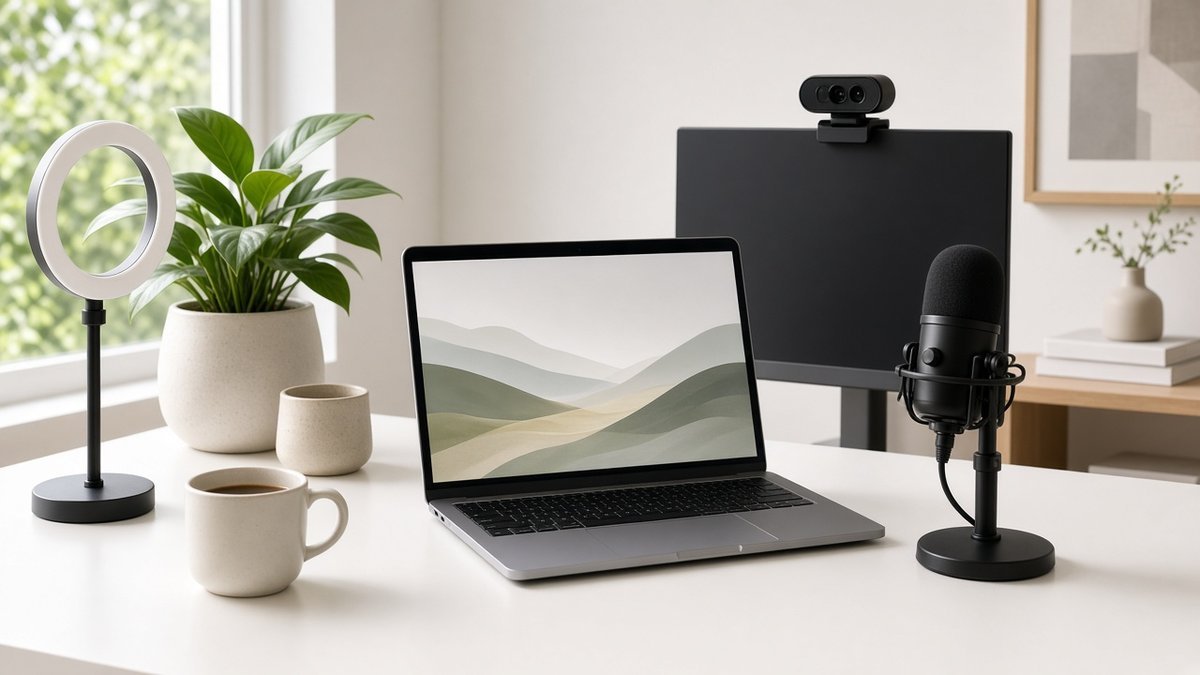
Recording at a desk with a webcam? A floor-standing ring light may be overkill. The Clip-On Video Conference Lighting Kit clips onto a monitor or laptop and lights your face from the front.
- Pros: small and portable; quick to set up; also helps on work video calls
- Cons: uses a USB port; can glare on glasses if aimed straight at your eyes
We cover lighting and framing for desk cameras in more detail in our video call setup for remote work guide, and the same rules apply to YouTube.
8. Logitech Brio 101 1080p Webcam: Best simple webcam for streams and tutorials
For screen-recorded tutorials, reaction videos and live streams from a computer, a webcam keeps everything simple. The Logitech Brio 101 1080p Webcam is a Full HD 1080p webcam with auto-light correction, a built-in mic and a privacy shutter. It connects over USB-A, according to the listing.
- Pros: plug-and-play; sharper than many built-in laptop cameras; inexpensive upgrade
- Cons: not designed for advanced streaming; use a separate mic for better audio; needs a USB-A port or adapter
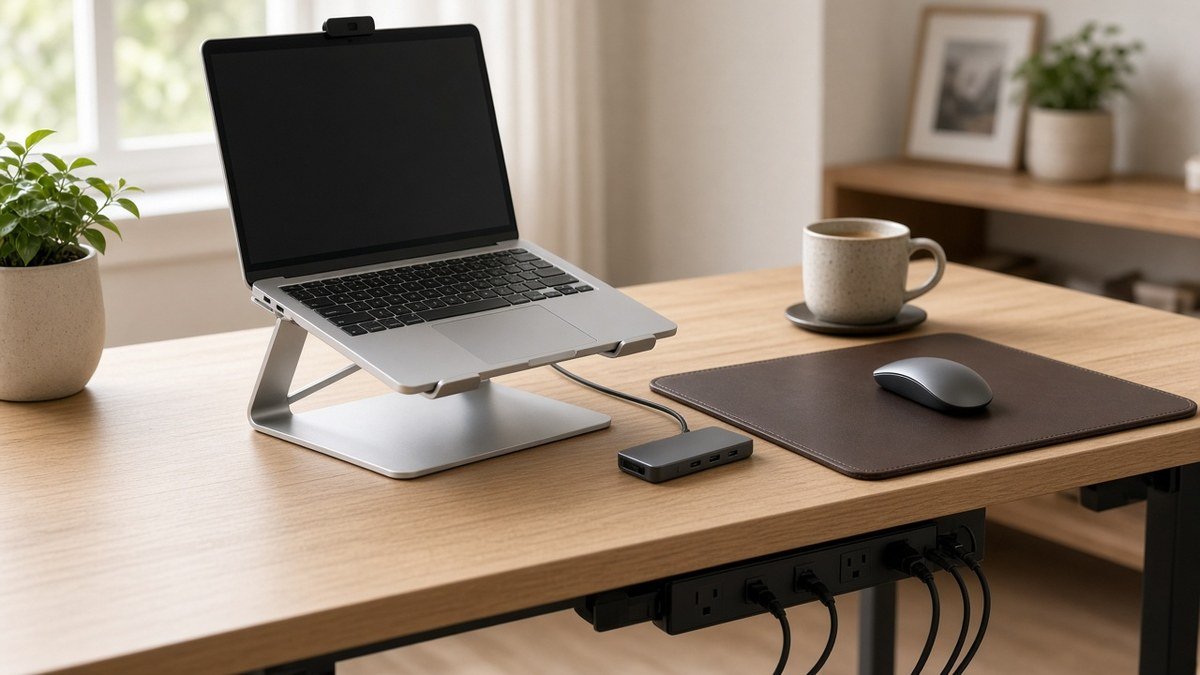
Tip: raise your laptop so the webcam sits at eye level. Our laptop desk setup essentials guide shows how to do that with a stand and a hub.
9. DJI Osmo Mobile 6 Phone Gimbal: Best gimbal for walking vlogs
If your videos involve walking, a city tour or following kids and pets, the DJI Osmo Mobile 6 Phone Gimbal smooths out handheld phone footage. The listing describes 3-axis stabilization, object tracking, a built-in extension rod and a foldable design.
- Pros: much smoother walking shots; tracking keeps a subject in frame; folds for travel
- Cons: adds setup time; check that your phone’s weight and size fit the supported range
Best for: vloggers who film while moving. Skip it if you mostly sit at a desk.
10. DJI Osmo Action 4 Essential Combo: Best camera for outdoor and travel vlogs
The DJI Osmo Action 4 Essential Combo is the one camera on this list, and it’s only for a specific kind of channel: outdoor, sports, travel and adventure videos where a phone could get wet or knocked around.
The product listing highlights a 1/1.3-inch sensor, 4K video at up to 120fps, low-light performance, 10-bit and D-Log M color, and battery life of up to 160 minutes.
- Pros: rugged and waterproof; compact; wide range of mounting options
- Cons: the biggest spend in this guide; a fast memory card and spare battery add to the cost
If you work and travel at the same time, our remote work tech kit for digital nomads covers the laptop, headphones and charging gear that pair with it.
How to Choose Your Beginner YouTube Setup
Start with the type of video you plan to make, then buy only what that style needs.
Talking-head and Shorts on a phone
Get a wireless lavalier mic and a tall tripod first, then add a ring light with stand if you film after dark. That’s a complete, low-cost kit.
Desk videos, tutorials and gaming
Pair a USB mic with a webcam and a clip-on light. Wear wired headphones while editing so you can hear background noise and echo; a wired headset like the HyperX Cloud III wired headset avoids the delay you can get with Bluetooth.
Vlogs, travel and outdoor videos
Start with a wireless mic and a small selfie stick tripod. Add a gimbal for smooth walking shots, or an action camera if your phone can’t handle the conditions.
How much should a beginner spend?
Your phone, free editing software and window light cost nothing. A mic, tripod and budget light make a solid starter kit for a modest budget, so check current prices on each product page. Hold off on cameras and lenses until you’ve posted consistently for a few months and know what’s holding your videos back.
Beginner YouTube Setup FAQs
Can I start a YouTube channel with just a phone?
Yes. Recent iPhone and Android phones record sharp HD or 4K video. Add an external mic and a tripod and your phone videos will look and sound better than many early channels.
What is the most important equipment for a new YouTuber?
The microphone. Viewers click away from muddy or echoey sound faster than from slightly soft video, so put your first dollars into audio.
Do I need a ring light for YouTube?
Not if you can film facing a window during the day. A ring light helps when you film at night, in a dim room or on a fixed schedule where daylight changes.
Is the Blue Yeti good for beginners?
Yes for desk recording, voiceovers and podcasts, because it plugs in over USB. It picks up room noise easily, so use cardioid mode, sit close and record in a soft-furnished room. For phone vlogs, a clip-on wireless mic is the better choice.
Should I buy a webcam or use my phone?
Use your phone for most YouTube videos, since phone cameras are usually sharper. A webcam makes more sense for live streams and screen-recorded tutorials where you sit at a computer.
Conclusion: Start Simple and Upgrade as You Grow
The best beginner YouTube setup is the one that gets you filming this week. Use your phone, add a mic like the Mini Mic Pro Wireless Lavalier Microphone or Logitech Blue Yeti USB Microphone, keep the shot steady with the SENSYNE 62-Inch Phone Tripod with Remote, and add the Sensyne Ring Light with 50-Inch Stand when daylight runs out. Save gimbals and action cameras for when your content calls for them. Check today’s price on each product page before you buy.
Once your channel is rolling, you can find more practical gear for daily life in our Lifestyle Products guide.

Author: TrendRanker Editorial Team
The TrendRanker Editorial Team is the independent research group behind TrendRanker.online. We compare published product specifications side by side, analyze patterns in long-term verified owner reviews, and screen out products with signs of high return rates or early failures before anything is recommended. Our guides cover remote work and travel gear, everyday tech, personal care, and gifts for US shoppers. We are not paid by brands for placement, and every guide is written in our own words.
One thought on “Beginner YouTube Setup: 10 Budget-Friendly Gear Picks to Start Your Channel”