
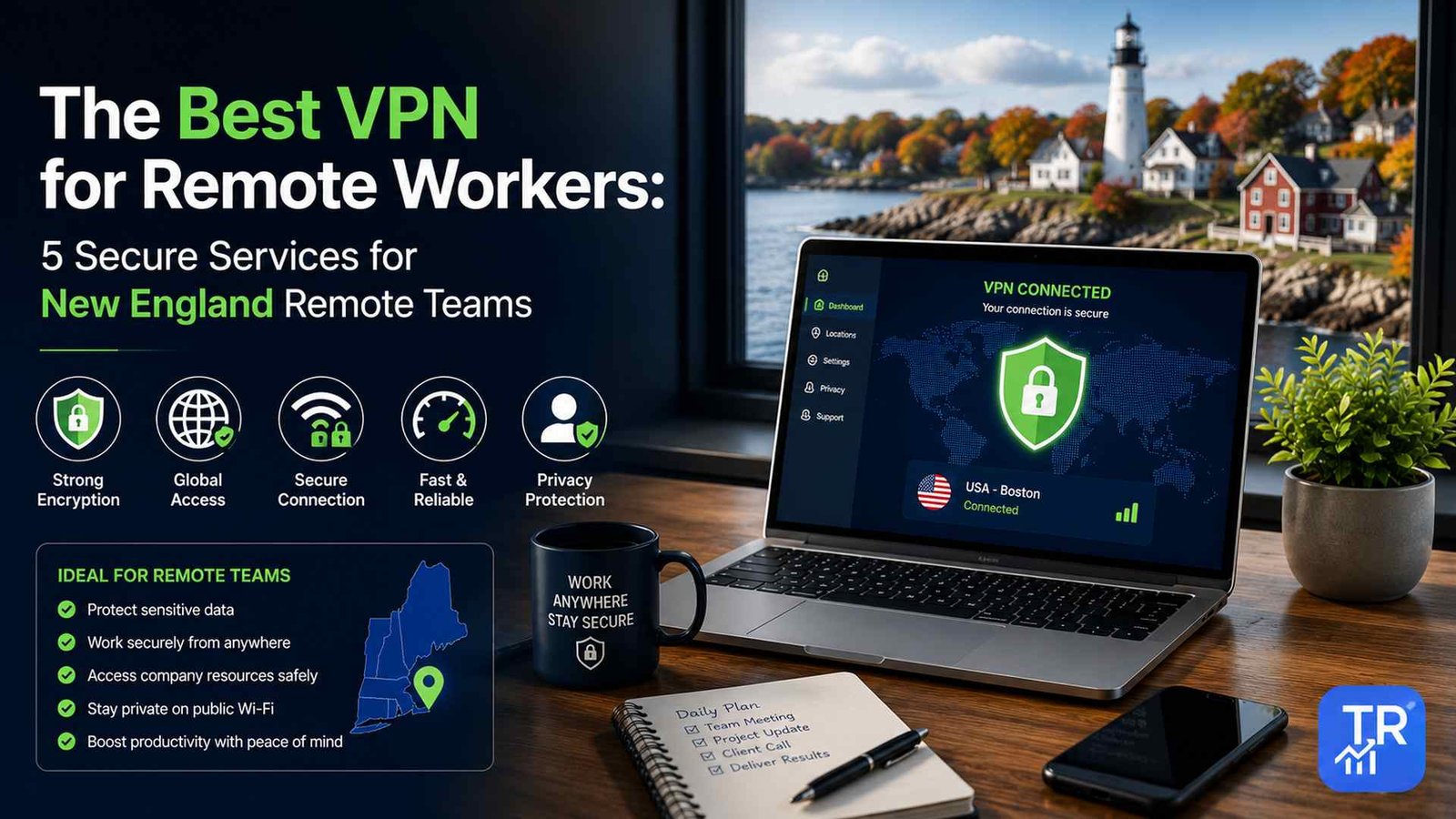
Best VPN for Remote Workers in 2026: Our 5 Picks
The best VPN for remote workers in 2026 is NordVPN for most people, thanks to its fast WireGuard-based NordLynx protocol, strong security extras and a 10-device limit. Choose ExpressVPN if steady connections on the move matter most, Surfshark if you need to cover unlimited devices, Proton VPN if you handle sensitive client or financial data, and Windscribe if you are a freelancer who wants flexible plans and static IP add-ons.
Whichever service you pick, three settings do most of the work: a modern protocol such as WireGuard, the kill switch turned on, and DNS leak protection enabled. If you use a company laptop, check with IT first. Below you will find a comparison table, what to look for, a short review of each VPN, a 5-minute setup checklist and answers to common questions. Last reviewed: November 2026.
Quick Comparison: 5 Best VPNs for Remote Work
Device limits and features are as listed by each provider at the time of writing. Plans change, so confirm on the provider’s site before you subscribe.
| VPN | Best for | Main protocols | Jurisdiction | Devices |
|---|---|---|---|---|
| NordVPN | Best overall for most remote workers | NordLynx (WireGuard), OpenVPN, IKEv2 | Panama | 10 |
| ExpressVPN | Reliable connections on the move | Lightway, OpenVPN, IKEv2 | British Virgin Islands | 8 |
| Surfshark | Teams and households with many devices | WireGuard, OpenVPN, IKEv2 | Netherlands | Unlimited |
| Proton VPN | Sensitive client, legal or financial data | WireGuard, OpenVPN, Stealth, IKEv2 | Switzerland | 10 |
| Windscribe | Freelancers who want flexible plans | WireGuard, OpenVPN, IKEv2, Stealth, WStunnel | Canada | Unlimited |
Planning where to work from next? Pair a secure connection with an affordable base: see our guide to the 10 best affordable US cities for digital nomads, which compares budgets and typical internet speeds.
Do Remote Workers Really Need a VPN?
If you ever work from cafés, libraries, hotels, airports or trains, the answer is usually yes. Whether you are answering email from a coffee shop in Portland, Maine or reviewing documents on a commuter train into Boston, public Wi-Fi is shared with strangers and you rarely know who runs it.
- Public Wi-Fi risks: on an open network, other people can try to snoop on traffic, and attackers sometimes set up “evil twin” hotspots named after the venue to trick you into connecting.
- What a VPN does: it encrypts the connection between your device and the VPN server, so people on the same network and your internet provider cannot read what you send.
- Less visibility for your ISP: your provider can see that you are connected to a VPN but not which sites or services you use.
- What it does not do: a VPN does not stop phishing emails, weak passwords or malware. Keep using strong passwords, two-factor authentication and software updates.
What to Look For in a Remote Work VPN
A modern, fast protocol
OpenVPN is stable and widely trusted, but it can feel slower on mobile connections. WireGuard and protocols built on it, such as NordLynx, are lighter and reconnect quickly when you move between networks, which helps on video calls and large uploads.
A no-logs policy that has been independently audited
A VPN can see your traffic, so you need to trust the provider. Look for a no-logs policy that an outside firm has audited, and consider where the company is based, because local law shapes what it can be asked to hand over.
A kill switch and DNS leak protection
A kill switch blocks internet traffic if the VPN connection drops, so nothing slips out unprotected while it reconnects. DNS leak protection makes sure the websites you look up are not revealed through your regular internet provider.
Split tunneling
Split tunneling lets you choose which apps go through the VPN. You can keep browsers, banking and cloud storage inside the tunnel while video call apps use your normal connection, if your employer allows it.
Enough devices for your setup
Count your work laptop, phone, tablet and any travel router. Surfshark and Windscribe cover unlimited devices, while others cap the number per account.
The 5 Best VPNs for Remote Workers, Reviewed
1. NordVPN: Best All-Around Choice

Best for: most remote workers who want strong security and fast speeds in one app.
NordVPN combines AES-256 encryption with NordLynx, its own protocol built on WireGuard, so it stays quick for calls and file transfers. Double VPN can route your traffic through two servers for extra privacy, and Meshnet lets you link your own devices in a private encrypted network, which is handy for moving files between a laptop and a home computer without a public cloud service.
- Encryption: AES-256-GCM / ChaCha20
- Protocols: NordLynx (WireGuard), OpenVPN, IKEv2/IPSec
- Jurisdiction: Panama
- Devices: 10 at once
- Work extras: Double VPN, dedicated IP option, Meshnet
2. ExpressVPN: Best for Reliable Connections on the Move

Best for: people who travel often and cannot afford dropped connections during meetings.
ExpressVPN built its own Lightway protocol to connect quickly and stay stable as you switch between networks, which is useful when you go from hotel Wi-Fi to a phone hotspot. Its TrustedServer setup runs servers on RAM only, so data is wiped every time a server restarts. It has a large server network with many US locations, so finding a nearby server is easy.
- Encryption: AES-256-GCM / ChaCha20
- Protocols: Lightway, OpenVPN, IKEv2
- Jurisdiction: British Virgin Islands
- Devices: 8 at once (check current plans)
- Work extras: RAM-only servers, Network Lock kill switch, Aircove router support
3. Surfshark: Best for Many Devices

Best for: small teams, couples or households that want one plan for every device.
Surfshark allows unlimited simultaneous connections, so your laptop, phone, tablet and travel router are all covered on one account. CleanWeb blocks many ads, trackers and malicious sites, Bypasser handles split tunneling, and the IP Rotator changes your IP address periodically without disconnecting you.
- Encryption: AES-256-GCM
- Protocols: WireGuard, OpenVPN, IKEv2
- Jurisdiction: Netherlands
- Devices: unlimited
- Work extras: CleanWeb, Bypasser (split tunneling), IP Rotator
4. Proton VPN: Best for Privacy-Sensitive Work

Best for: freelancers and employees who handle legal, medical-adjacent or financial documents.
Proton VPN comes from the team behind Proton Mail and is based in Switzerland. Its apps are open source and have been independently audited, so anyone can inspect the code. Secure Core sends your traffic through servers in privacy-friendly countries such as Switzerland and Iceland before it exits, and NetShield blocks known malicious and phishing domains.
- Encryption: AES-256 / ChaCha20
- Protocols: WireGuard, OpenVPN, Stealth, IKEv2
- Jurisdiction: Switzerland
- Devices: 10 at once
- Work extras: Secure Core, NetShield DNS filter, Tor over VPN
5. Windscribe: Best for Flexible Freelance Setups

Best for: independent contractors who want flexible plans and static IPs.
Windscribe is a Canadian provider that suits freelancers who do not want a long contract. Its R.O.B.E.R.T. feature blocks categories of domains before they reach your device, and static IP add-ons help when a client system only accepts logins from approved IP addresses. Stealth and WStunnel modes help on networks that block ordinary VPN traffic. Canada is a Five Eyes country, so check the provider’s published no-logs policy if that matters to you.
- Encryption: AES-256-GCM
- Protocols: WireGuard, OpenVPN, IKEv2, Stealth, WStunnel
- Jurisdiction: Canada
- Devices: unlimited
- Work extras: R.O.B.E.R.T. domain blocking, static IPs, Double Hop
How to Set Up Your VPN for Work: A 5-Minute Checklist
- Pick a modern protocol. In the app settings, choose WireGuard or the provider’s own fast protocol (NordLynx or Lightway).
- Turn on the kill switch. If your app offers an app-level kill switch, add your work apps such as Slack or your finance dashboard.
- Enable DNS leak protection and test it. While connected, visit dnsleaktest.com. If it shows your own internet provider or home location instead of the VPN server, fix the settings.
- Use split tunneling for calls if allowed. Let Zoom or Teams use your normal connection while browsers and work files stay in the tunnel.
- Connect to a nearby server. A server close to you usually gives the lowest delay for live calls.
Free VPNs and Company VPNs: What to Know
Avoid free VPNs for work. Running servers costs money, and many free services make it back by limiting speeds, showing ads or collecting browsing data. A paid provider with an audited no-logs policy is a safer home for client and company information.
If your employer gives you a corporate VPN, use it for work traffic exactly as IT asks. Some company systems block logins from commercial VPN servers, so speak to your administrator before running a personal VPN on a work laptop. They may offer a dedicated IP or a recommended setup.
Which VPN Should You Choose?
- You want one safe, fast default: NordVPN.
- You travel a lot and hop between networks: ExpressVPN.
- You need to cover many devices or family members: Surfshark.
- Your work involves sensitive documents: Proton VPN.
- You freelance and need a static IP for client systems: Windscribe.
Remote Work VPN FAQs
Should remote workers use a free VPN?
We do not recommend it for work. Free VPN services have to pay for their servers somehow, and many do it by logging or selling browsing data, limiting speeds or showing ads. For client or company data, a paid provider with an independently audited no-logs policy is the safer choice.
What is a VPN kill switch, and should I turn it on?
A kill switch blocks your internet traffic if the VPN connection drops, so your data never travels unprotected for those few seconds. Turn it on in the app’s settings, especially when you work on public or hotel Wi-Fi.
Will a VPN slow down Zoom or Teams calls?
It can add a little latency, especially on a distant server. Connect to a nearby server, use a modern protocol such as WireGuard (NordLynx in NordVPN), and, if your employer allows it, use split tunneling so call apps bypass the tunnel.
Which of these VPNs covers the most devices?
At the time of writing, Surfshark and Windscribe allow unlimited simultaneous connections, NordVPN and Proton VPN allow 10, and ExpressVPN allows 8. Plans change, so confirm the limit on the provider’s site before you subscribe.
Do I need a personal VPN if my company already provides one?
Use your company’s VPN for work traffic, as IT requires. A personal VPN is still useful for your own devices and browsing on public Wi-Fi, but do not run both at once on a work laptop unless IT approves it.
Is it legal to use a VPN for remote work in the US?
Yes, using a VPN is legal in the United States. Your employer’s IT and security policies still apply, and a VPN does not make any activity legal that otherwise would not be.
Keep reading: A VPN is only one part of a secure, productive setup. Use split tunneling with the gear in our video call setup guide, compare laptops and hotspots in our remote work tech kit, check the full digital nomad essentials checklist, pack smart with our carry-on essentials for business travel, and guard your physical cards and passport with these anti-theft travel accessories. Running a small shop as well? See our guide to the best POS for small business.

Author: TrendRanker Editorial Team
The TrendRanker Editorial Team is the independent research group behind TrendRanker.online. We compare published product specifications side by side, analyze patterns in long-term verified owner reviews, and screen out products with signs of high return rates or early failures before anything is recommended. Our guides cover remote work and travel gear, everyday tech, personal care, and gifts for US shoppers. We are not paid by brands for placement, and every guide is written in our own words.



2 thoughts on “Best VPN for Remote Workers in 2026: 5 Secure Picks for Working Anywhere”