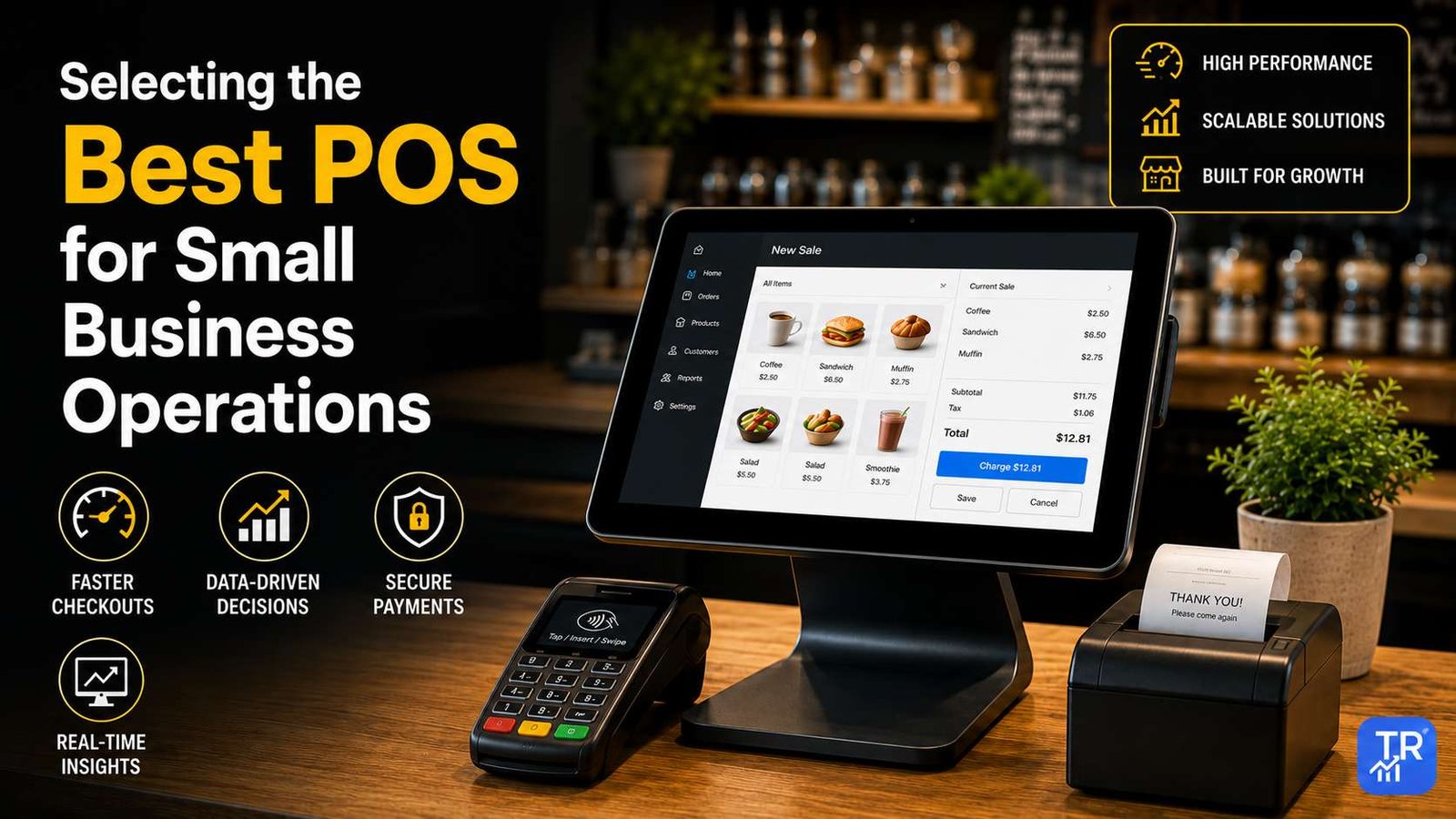
The best POS for small business in 2026 depends on how you sell. For a boutique or gift shop, the Square Register is the easiest all-rounder; busy checkout counters are better served by the Clover Station Solo; cafés and restaurants should look at the Toast Go 2; and if you also sell online, Shopify POS keeps your store and website in sync. Pop-up sellers and solo service providers can skip a full register and start with a simple card reader such as the SumUp Solo or PayPal Zettle.
Below you will find a plain-English comparison of 10 popular POS systems, what each one is best for, the costs and features to check before you sign up, and answers to the questions small business owners ask most. Last reviewed: November 2026.
Quick Picks: Best POS Systems by Business Type
- Best for boutiques and gift shops: Square Register
- Best for busy checkout counters: Clover Station Solo
- Best for cafés and restaurants: Toast Go 2
- Best if you also sell online: Shopify POS
- Best for pop-ups, markets and mobile services: SumUp Solo, PayPal Zettle or a handheld Clover device
- Best for larger tickets and wholesale: Helcim
- Best for a custom-built checkout: Stripe Reader S700
- Best for a traditional all-in-one counter setup: GoDaddy Smart Terminal
Best POS for Small Business: 10 Systems Compared (2026)
Use this table to build a shortlist. Hardware, features and plans change often, so confirm the details on each provider’s site before you buy.
| POS system | Type | Connection | Best for |
|---|---|---|---|
| Square Register | Countertop register with customer display | Wi-Fi / Ethernet | Boutique retail |
| Clover Station Solo | Large-screen countertop register | Wi-Fi / Ethernet | High-traffic checkout lanes |
| Toast Go 2 | Rugged handheld | Wi-Fi | Cafés, restaurants, table service |
| Shopify POS | Countertop or mobile setup | Wi-Fi / Bluetooth | Shops that also sell online |
| PayPal Zettle | Card reader / terminal | Varies by model | Sellers already using PayPal |
| Clover handheld (Flex / Flex Pocket) | Handheld terminal | Wi-Fi / cellular options | Curbside and line-busting |
| SumUp Solo | Compact card reader | Standalone, Wi-Fi | Pop-ups and solo freelancers |
| Helcim | Card reader | Bluetooth / Wi-Fi | Larger tickets, wholesale |
| Stripe Reader S700 | Programmable smart reader | Wi-Fi | Custom-built checkouts |
| GoDaddy Smart Terminal | All-in-one terminal with printer | Wi-Fi | Traditional counter service |
How to Choose a POS System for Your Small Business
The hardware matters less than how well the whole system fits the way you sell. Work through these points before you compare brands.
1. Start with how and where you sell
A fixed counter suits a countertop register with a customer-facing screen. Table service, curbside pickup and queue-busting need a handheld. Markets, pop-ups and mobile services usually only need a small card reader that pairs with a phone or works on its own.
2. Compare the total cost, not just the hardware
Your real cost is hardware plus any monthly software plan plus the fee on every card payment. Check whether you need a contract, what it costs to cancel, and whether the hardware is locked to one payment processor, which makes switching later more expensive.
3. Check offline mode and backup internet
If your internet drops, can you still take cards? Many systems can store card payments offline and process them once you reconnect, but limits apply and a stored payment can still be declined later. Busy shops often keep a phone hotspot or cellular backup ready.
4. Make sure it connects to your other tools
Look for inventory tracking, an online store connection if you sell on the web, and exports or integrations for your accounting software. If you have staff, check employee logins, permissions and time tracking.
5. Plan the peripherals
List what you actually need at the counter: receipt printer, cash drawer, barcode scanner, label printer or kitchen printer. Some terminals have a printer built in; others need separate accessories that add to the cost.
6. Look for secure, modern payments
Every option in this guide accepts chip cards and contactless payments such as phone wallets. Choose a provider that handles card security (PCI) compliance for you and keeps its devices updated.
The 10 Best POS Systems for Small Business, Reviewed
1. Square Register
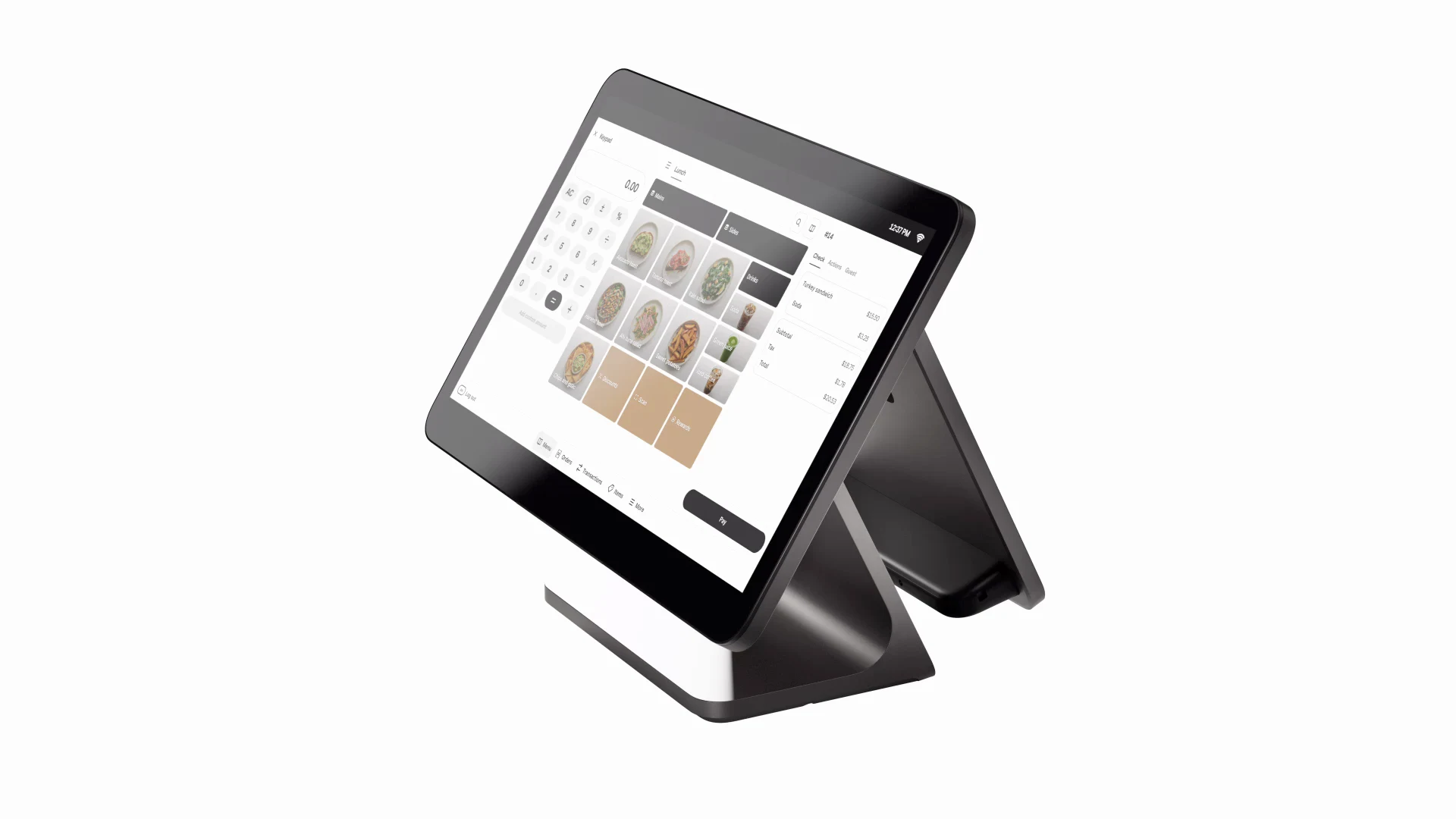
Best for: boutiques, gift shops and other small retail counters.
The Square Register is a two-screen countertop system: a large touchscreen for you and a separate display that faces the customer, so shoppers can see their order, tip and pay on their side of the counter. It is one of the easiest systems to set up and suits owners who want a clean, modern checkout without a long learning curve.
- Large seller touchscreen plus a separate customer display that accepts chip, contactless and phone-wallet payments.
- USB and Ethernet ports for receipt printers, cash drawers and barcode scanners.
- Works over Wi-Fi or a wired Ethernet connection.
Learn more on the official Square Register page.
2. Clover Station Solo

Best for: busy counters with steady queues and several staff members.
The Clover Station Solo is built around a large 14-inch touchscreen and is designed for counters that ring up sales all day. It is a good match for stores where several employees share one register and you want fast receipts and a dependable wired connection.
- Large 14-inch high-definition touchscreen that is easy to read during busy periods.
- Fingerprint reader so staff can log in quickly and securely.
- Fast thermal receipt printing and ports for cash drawers and scanners.
- Wired Ethernet as well as Wi-Fi.
Learn more on the official Clover Station Solo page.
3. Toast Go 2
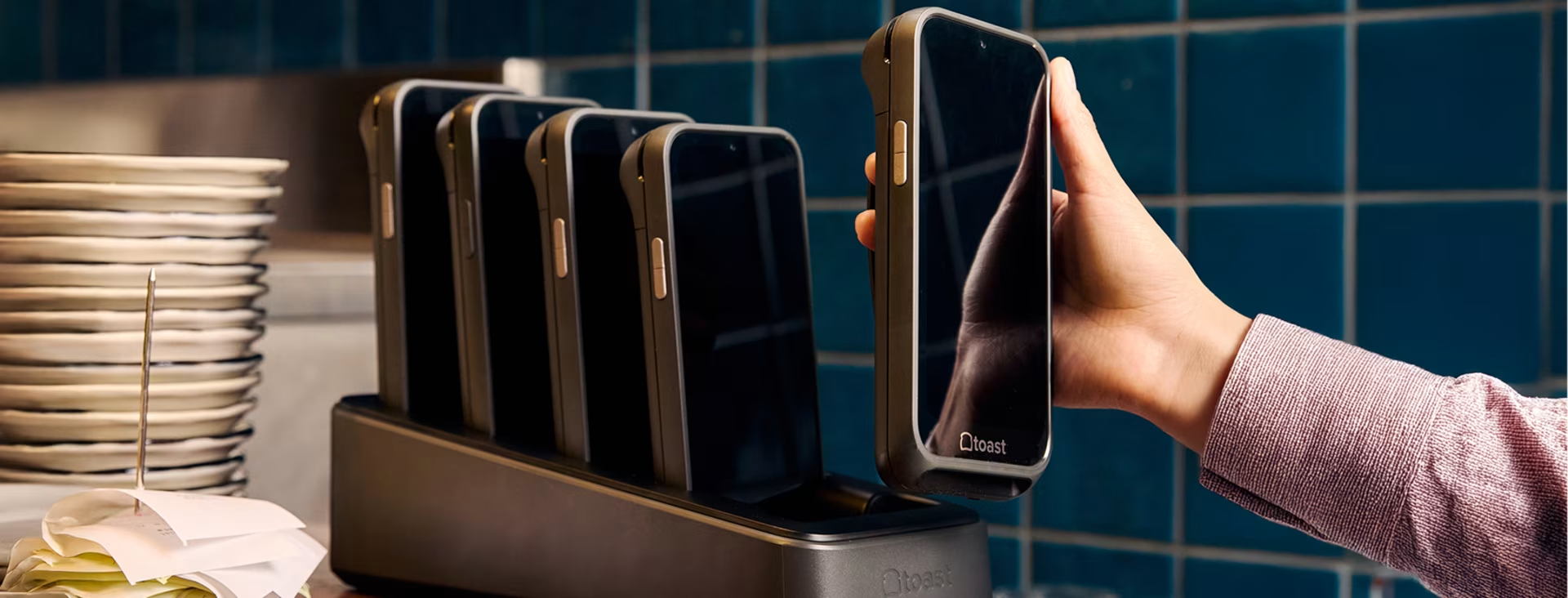
Best for: cafés, restaurants and food counters that take orders at the table or in line.
The Toast Go 2 is a pocket-sized handheld made for food service. Staff can take orders and payments at the table or in a queue, which shortens wait times. It is built to cope with the spills and drops that come with a busy kitchen or patio.
- Splash- and dust-resistant body rated IP54 and drop-tested.
- 5-inch touchscreen sized for one-handed use.
- Offline mode for taking payments during short internet outages (limits apply).
- USB-C charging.
Learn more on the official Toast Go 2 page.
4. Shopify POS

Best for: shops that also sell through a Shopify online store.
If your business already runs a Shopify website, Shopify POS is the simplest way to sell in person. Products, stock levels and customer records are shared between your shop counter and your online store, so you do not have to update inventory in two places.
- Inventory and orders sync between in-store and online sales.
- Connects to compatible card readers and countertop hardware over Wi-Fi or Bluetooth.
- Useful for in-store pickup and returns of online orders.
Learn more on the official Shopify POS page.
5. PayPal Zettle
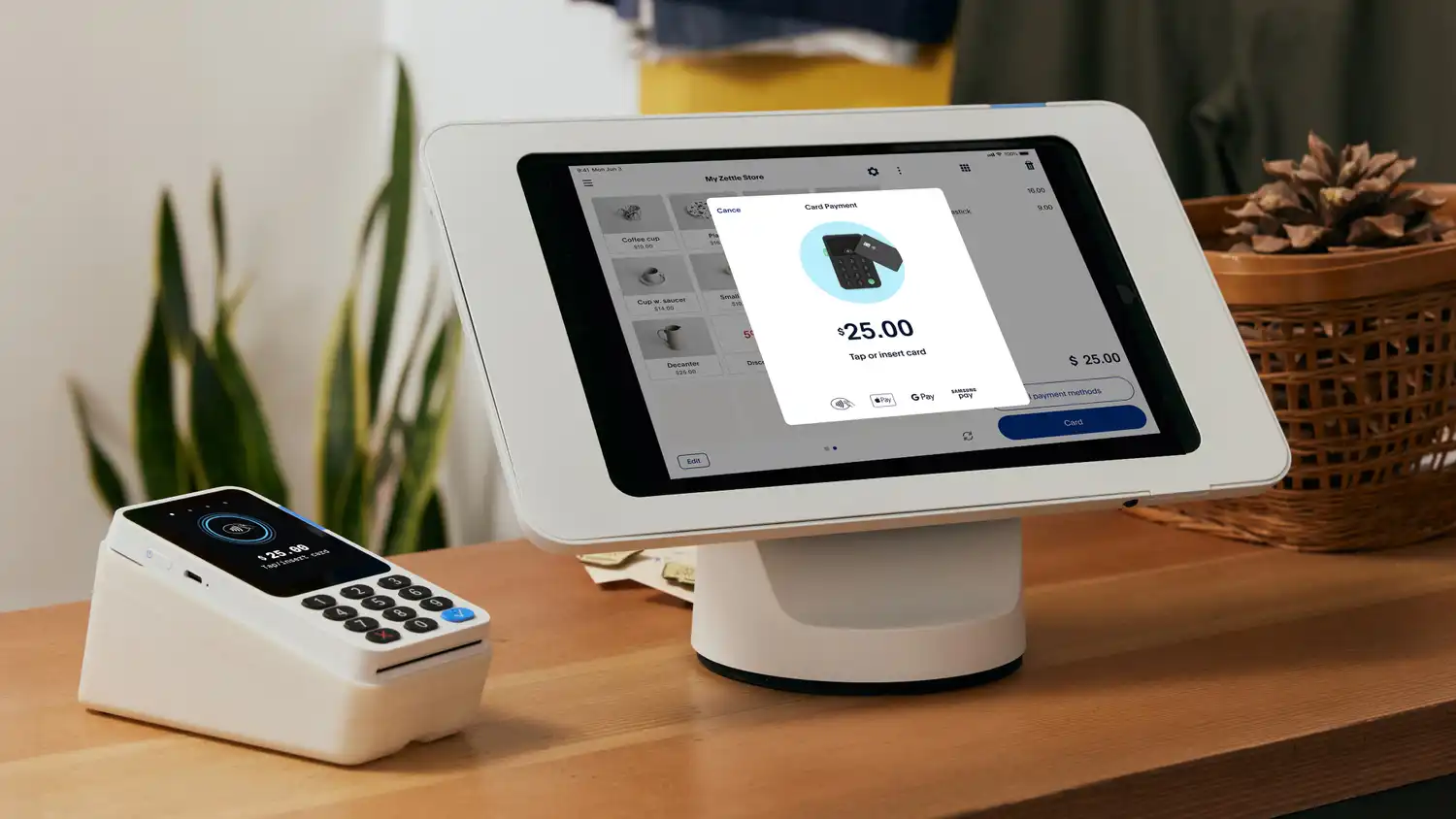
Best for: small sellers who already use a PayPal business account.
PayPal’s point-of-sale tools let you take in-person card payments and keep them in the same account as your online PayPal sales. It suits independent shops, makers and market sellers who want a simple setup without a full register.
- Accepts major credit and debit cards plus phone wallets such as Apple Pay and Google Pay.
- Payments land in your PayPal business account alongside online sales.
- Check which reader or terminal models are offered in your country and how they connect.
Learn more on the official PayPal Zettle page.
6. Clover Handheld (Flex / Flex Pocket)

Best for: curbside pickup, line-busting and taking payments away from the counter.
Clover’s handheld devices let staff take payments wherever the customer is, from the parking lot to the end of a long line. They work well alongside a Clover countertop register or as a stand-alone setup for very small businesses.
- Handheld Android device with a touchscreen.
- Wi-Fi and cellular connection options for use outside the store.
- Some models include a built-in receipt printer and barcode scanning; check the model before you buy.
Learn more on the official Clover Handheld (Flex / Flex Pocket) page.
7. SumUp Solo
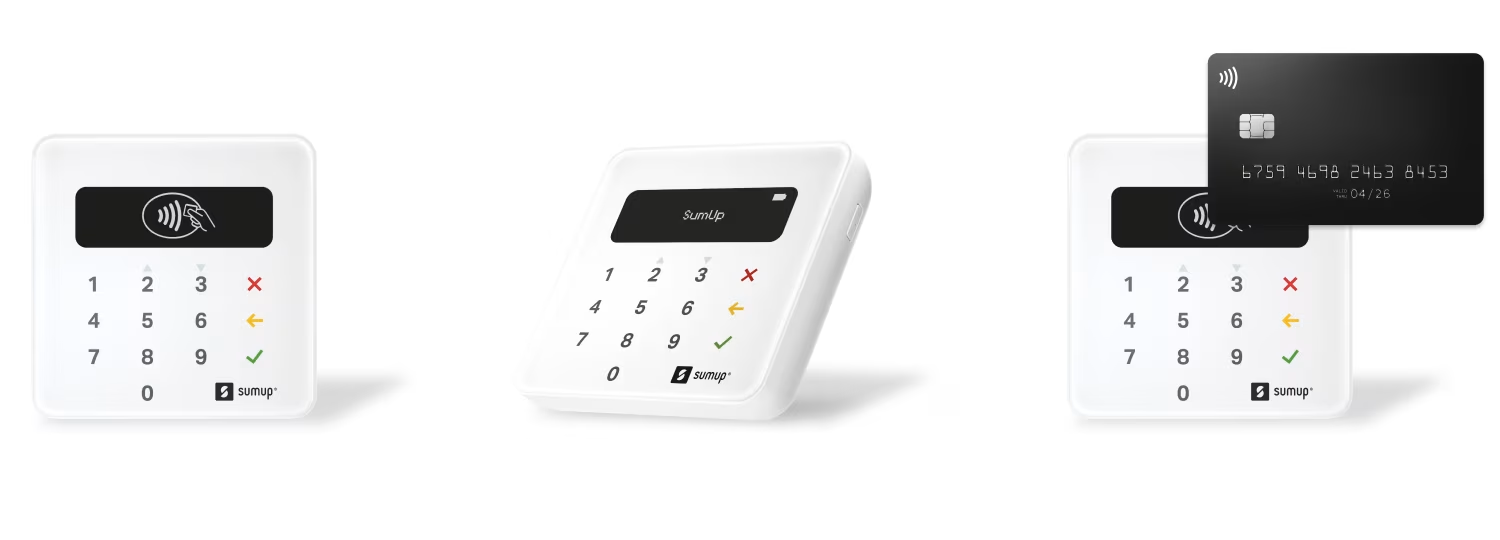
Best for: pop-ups, market stalls, mobile services and solo freelancers.
The SumUp Solo is a compact card reader with its own screen, so you can take payments without a full register. It is a low-commitment way to start accepting cards, which makes it popular with new and seasonal businesses.
- Small, pocket-friendly reader with a built-in screen.
- Can take payments on its own, without a separate POS register.
- Flat-rate pricing with no monthly subscription required for the basic setup.
Learn more on the official SumUp Solo page.
8. Helcim
Best for: businesses with larger average sales, such as wholesale, trade and B2B sellers.
Helcim stands out for its interchange-plus pricing, where you pay the card network’s cost plus a set markup. For businesses with large or frequent card payments, that pricing model can be easier to predict and compare than a single flat rate.
- Interchange-plus processing pricing.
- Card reader with a physical keypad for PIN entry.
- Connects over Bluetooth or Wi-Fi.
Learn more on the official Helcim page.
9. Stripe Reader S700
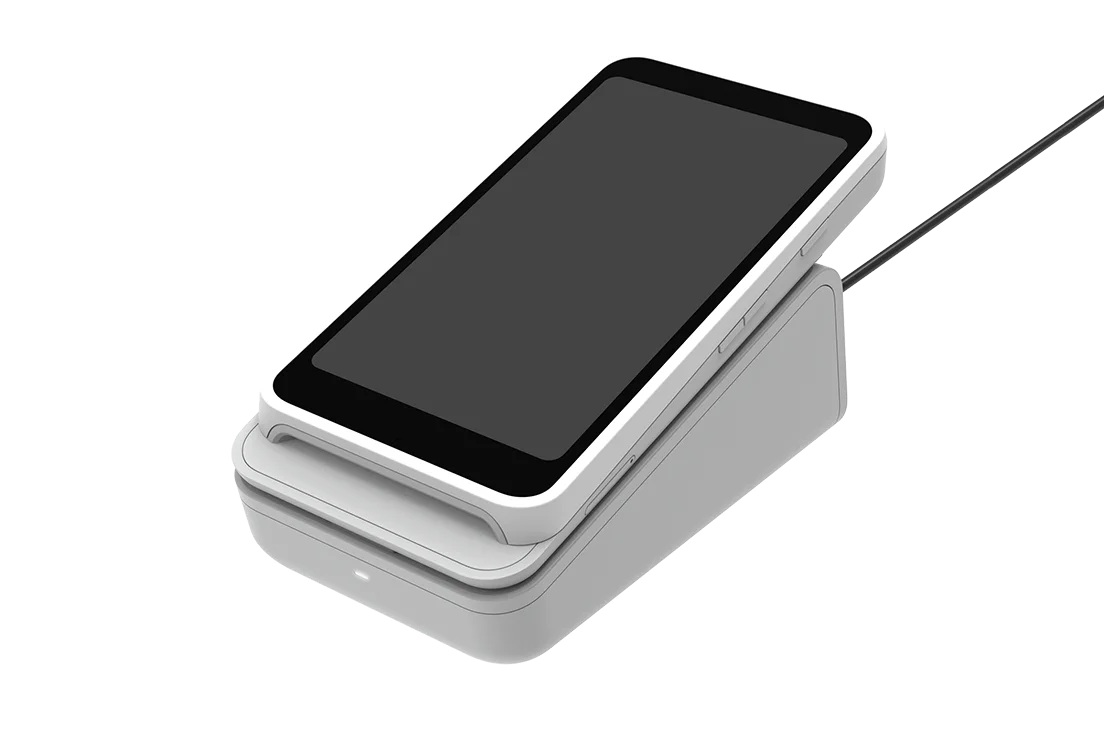
Best for: businesses with a developer who wants a fully custom checkout.
The Stripe Reader S700 is a programmable smart reader. Rather than an out-of-the-box POS app, it is meant for teams that build their own checkout software with Stripe’s tools, for example a ticketing, membership or self-service flow.
- Android-based reader that can run your own custom app.
- Documented software kits (SDKs) for building iOS, Android and web checkouts.
- 5.5-inch touchscreen for custom on-screen layouts.
Learn more on the official Stripe Reader S700 page.
10. GoDaddy Smart Terminal

Best for: traditional counter service where a printed receipt is expected.
The GoDaddy Smart Terminal combines a touchscreen terminal, a customer-facing screen and a built-in receipt printer in one unit. It suits owners who want an all-in-one device with fewer separate accessories on the counter.
- Merchant touchscreen plus a smaller customer-facing screen for tips and order details.
- Built-in thermal receipt printer.
- Battery for use away from the charging base for part of the day.
Which POS System Should You Choose?
- You run a small shop with one counter: start with the Square Register for an easy, polished setup.
- Several staff share a busy register: the Clover Station Solo gives you a large screen and quick staff logins.
- You serve food or drinks: choose a restaurant-focused system such as Toast so orders and payments happen at the table.
- You sell online and in person: Shopify POS keeps one inventory for both.
- You sell at markets, events or on the go: a card reader such as the SumUp Solo or PayPal Zettle costs far less than a full register.
- Your sales are large or frequent: compare Helcim’s interchange-plus pricing with flat-rate providers.
- You need a custom checkout: the Stripe Reader S700 is built for developers.
Before You Sign Up: A 5-Step POS Checklist
- Write down your average sale size and how many card payments you take in a typical week.
- Ask each provider for the processing rate, monthly software fee and any contract or cancellation fee.
- Check what happens when the internet goes down, and keep a phone hotspot as a backup.
- List the peripherals you need (printer, cash drawer, scanner) and confirm they work with the system.
- Make sure you can export your sales and customer data if you ever switch providers.
Small Business POS FAQs
Which POS system is best for a small retail shop?
It depends on how you sell. In our comparison, the Square Register suits boutiques that want a customer-facing screen, the Clover Station Solo suits busy checkout counters, and the Toast Go 2 suits cafés and food service. Pop-up sellers and freelancers can often start with a small card reader instead of a full register.
What should I compare besides the hardware?
Look at payment processing rates, monthly software fees, contract length and cancellation terms, and whether the hardware only works with one payment processor. Also check that the system connects to the accounting, inventory or online store tools you already use.
Can a POS system take card payments when the internet is down?
Many systems have an offline mode that stores card payments and processes them once you reconnect, but limits apply and a stored payment can still be declined later. Read your provider’s offline rules and consider a cellular backup if you rely on card sales.
Do I need a separate receipt printer and cash drawer?
Not always. Some terminals, such as the GoDaddy Smart Terminal, have a built-in printer, and many customers are happy with emailed or texted receipts. If you take a lot of cash, choose a system that supports a cash drawer.
Can I use an iPad or tablet as my POS?
Yes. Several providers, including Square and Shopify, offer POS apps for tablets and phones that pair with a small card reader. It is a cheaper way to start, and you can add a stand, printer or cash drawer later as the business grows.
Is a card reader enough, or do I need a full POS system?
A card reader is often enough if you sell a small range of items, work at markets or provide services on the go. Move to a full POS register when you need detailed inventory, staff accounts, a customer-facing screen or several checkout points.
Keep reading: Running the business side from home as well? Set up a comfortable workstation with our laptop desk setup essentials, protect logins on public Wi-Fi with our VPN guide for remote workers, look sharp in client meetings with our video call setup for remote work, and see the routers and hotspots in our remote work tech kit if you want a backup internet connection for your counter.
Counter and back-office supplies from our shop
- Huolewa Collapsible File Organizer Box with Lid: a lidded file box for receipts, invoices and tax papers.
- Amazon Basics Office Stapler: a basic desktop stapler for paperwork.
- Sharpie Fine Tip Permanent Markers, 12 Count: permanent markers for labels, price tags and inventory bins.

Author: TrendRanker Editorial Team
The TrendRanker Editorial Team is the independent research group behind TrendRanker.online. We compare published product specifications side by side, analyze patterns in long-term verified owner reviews, and screen out products with signs of high return rates or early failures before anything is recommended. Our guides cover remote work and travel gear, everyday tech, personal care, and gifts for US shoppers. We are not paid by brands for placement, and every guide is written in our own words.